Prerequisites
- TerminusDB running locally — see Docker setup for instructions
- Access to the remote database you want to clone
What you'll achieve By the end of this guide, you will have cloned a remote database to your local instance.
From the project home page, on the right you will see the Clone Project section.
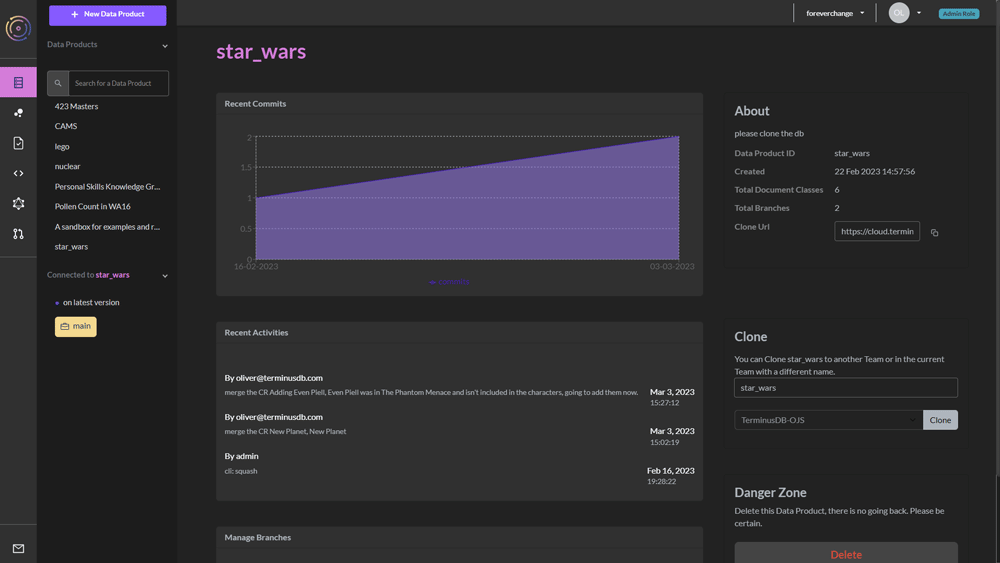
You can clone the project with -
- The same name to another team - choose this from the dropdown menu
- A different name to another team
- A different name to the same team
Press the Clone button.
You will be directed to the cloned project. If you clone to a different team, you will also move teams.