Prerequisites
- A DFRNT Hub account (sign up)
What you'll achieve By the end of this guide, you will have created a team in DFRNT Hub.
TerminusCMS is now DFRNT Hub TerminusCMS has been renamed to DFRNT Hub. All features described on this page are available at dfrnt.com. The TerminusDB open source database remains unchanged.
Follow these instruction to create a new team in the TerminusDB dashboard -
Note, if it is your first time logging in you will see the pricing page. Select Community Package to proceed and follow these instructions.*
- In team selection screen, choose the team that was automatically generated upon your sign up (or any other).
- In the resulting screen, choose profile by selecting the arrow next to your profile avitar/initials.
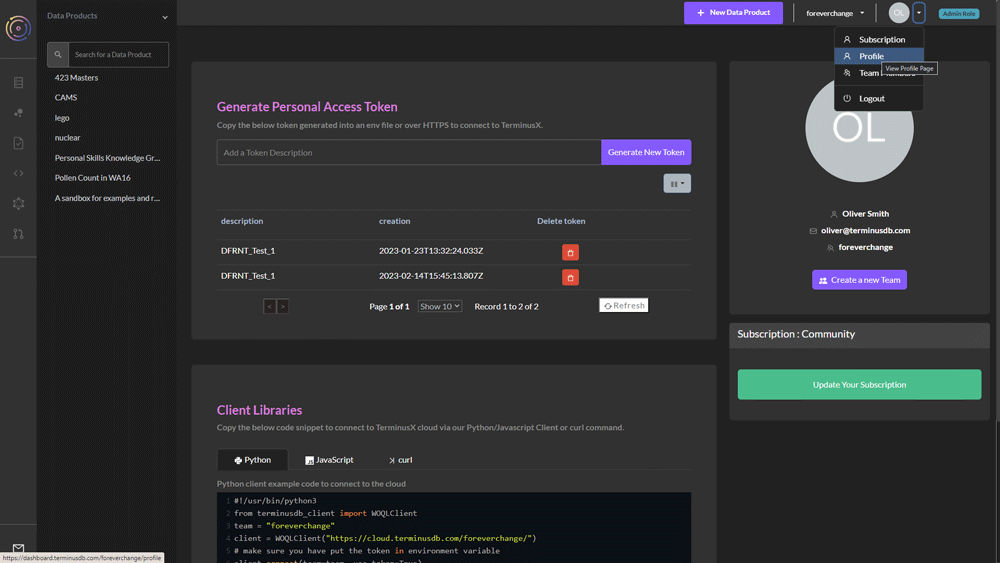
- Under your profile details, click the 'Create a New Team' button.
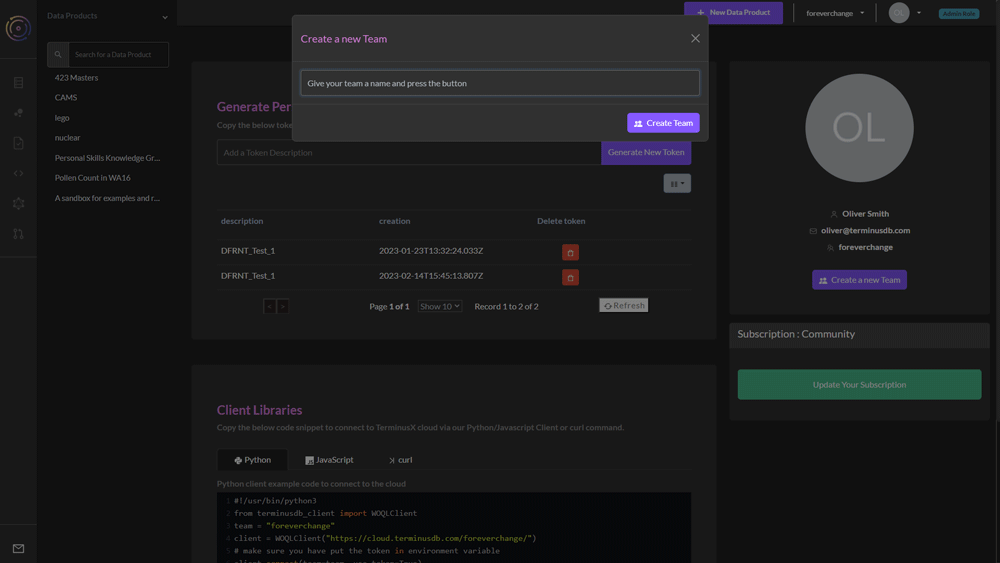
- Name your team and press the 'Create a New Team' button.
You are now ready to add projects to your team and invite collaborators.