Prerequisites
- TerminusDB running locally — see Docker setup for instructions
- A database with multiple commits on a branch
What you'll achieve By the end of this guide, you will have squashed multiple commits into one.
To squash a branch of a database, or indeed main, navigate to the project home page, the first icon on the left that looks like a database.
Scroll down to the Manage Branches section and selected Branches.
Next to the branch you want to squash, select the ellipses symbol to see the branch options.
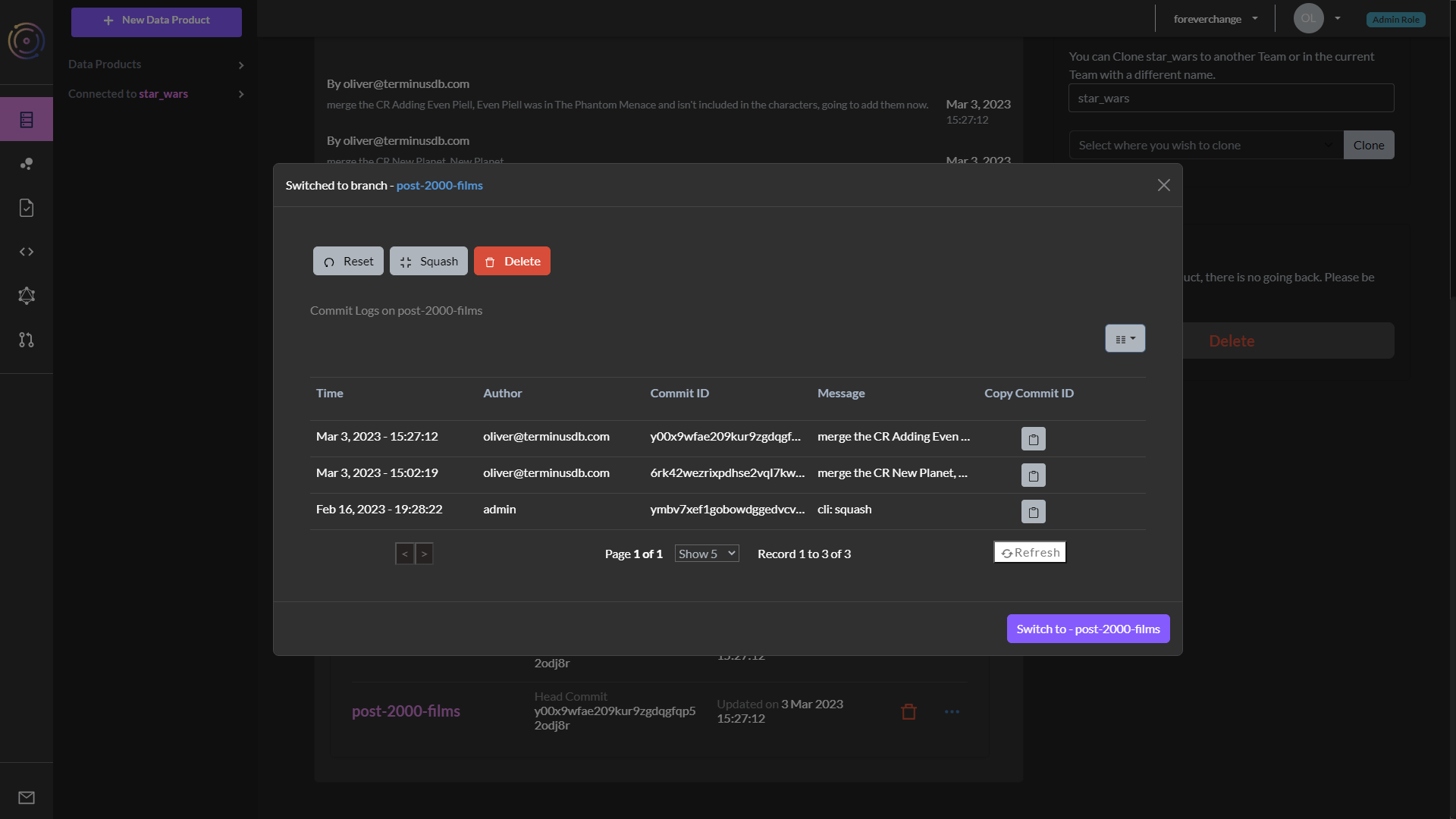
Choose the Squash button.
Give the operation a description and press the Squash Branch button.
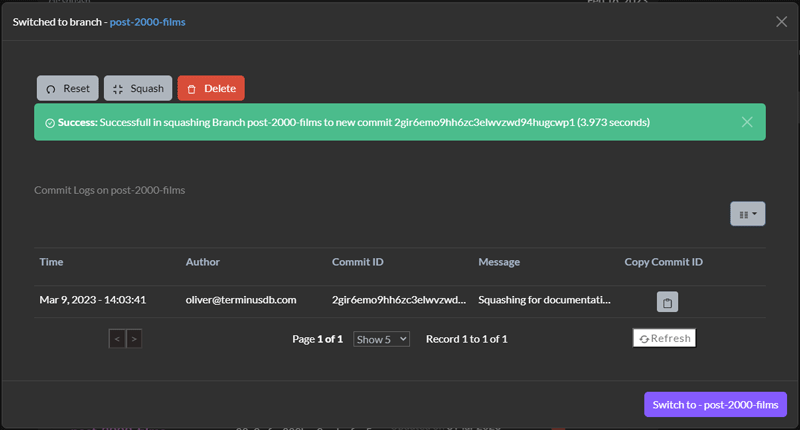
Be wary as squashing a project will result in the commit history being lost